Mobile Banking Made Simple
Manage your money safely using your bank app. Check balances, transfer funds, and pay bills from home.
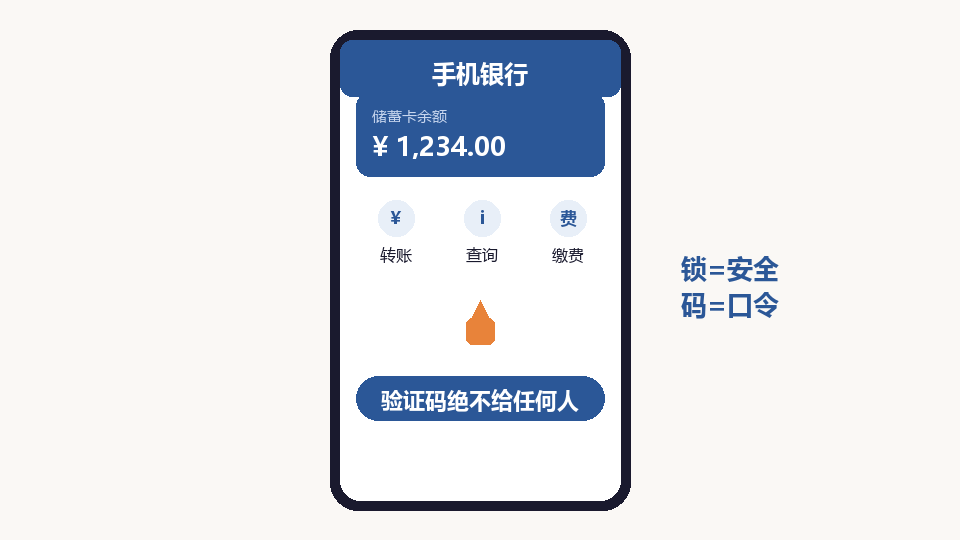
Open Your Bank App
Find your bank app on your phone. Each bank has its own app. If you have trouble, ask your children to help you install it.
Log In Safely
Enter your account number and password. Never share your password with anyone. If you forget it, go to your bank branch to reset it.
Check Your Balance
Tap "My Account" or "Balance" to see how much money you have. The display is clear and easy to read.
Transfer Money
Tap "Transfer" to send money to another account. You need the recipient name, bank, and account number. Double-check all details before confirming.
Pay Bills
Tap "Payments" to pay utility bills, phone bills, and more. The app stores your payment history so you can review it later.
Stay Safe
Never click links in messages claiming your account has problems. Log in only through the official app. If you receive suspicious calls, hang up and tell your family.