Understanding Your Medical Report
Learn to read your health check results. Know what the numbers mean before your next doctor visit.
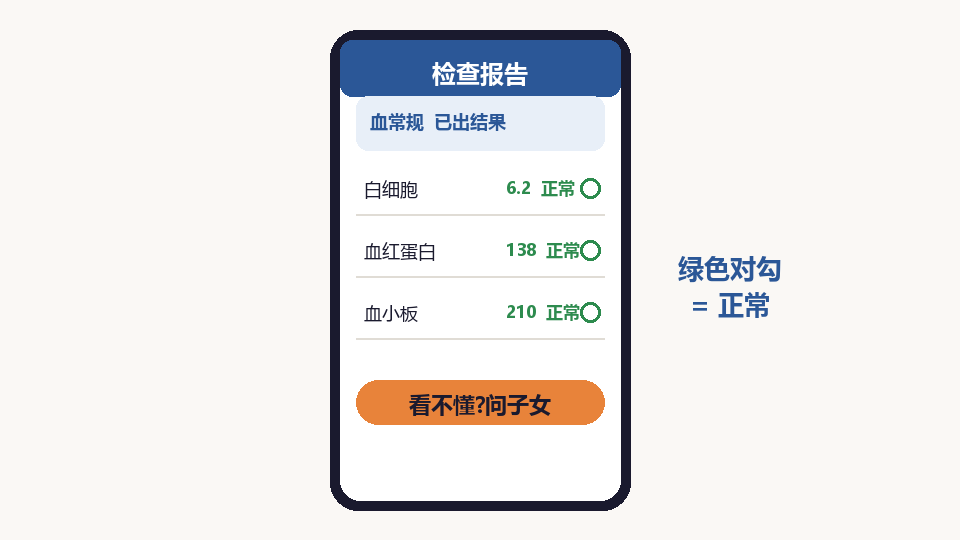
Find Your Report
Medical reports can be found in the hospital app, or you may receive a paper copy. Ask the hospital staff if you need help locating it.
Read the Summary First
Most reports start with a summary. Look for any items marked with an arrow up (↑) or down (↓), which means the value is higher or lower than normal.
Check Blood Sugar
Fasting blood sugar (glucose) should be between 3.9-6.1 mmol/L. If it is higher, talk to your doctor about diabetes prevention.
Check Blood Pressure Numbers
Normal blood pressure is below 120/80. The first number (systolic) is pressure when your heart beats. The second (diastolic) is pressure between beats.
Understand Cholesterol
Total cholesterol should be below 5.2 mmol/L. HDL (good cholesterol) should be high. LDL (bad cholesterol) should be low.
Note Any Abnormal Items
Write down any items with abnormal values. Bring this list to your doctor visit so you can ask questions about each one.
Ask Your Doctor
Never self-diagnose based on a report. Always discuss results with your doctor. They can explain what each number means for your specific health situation.